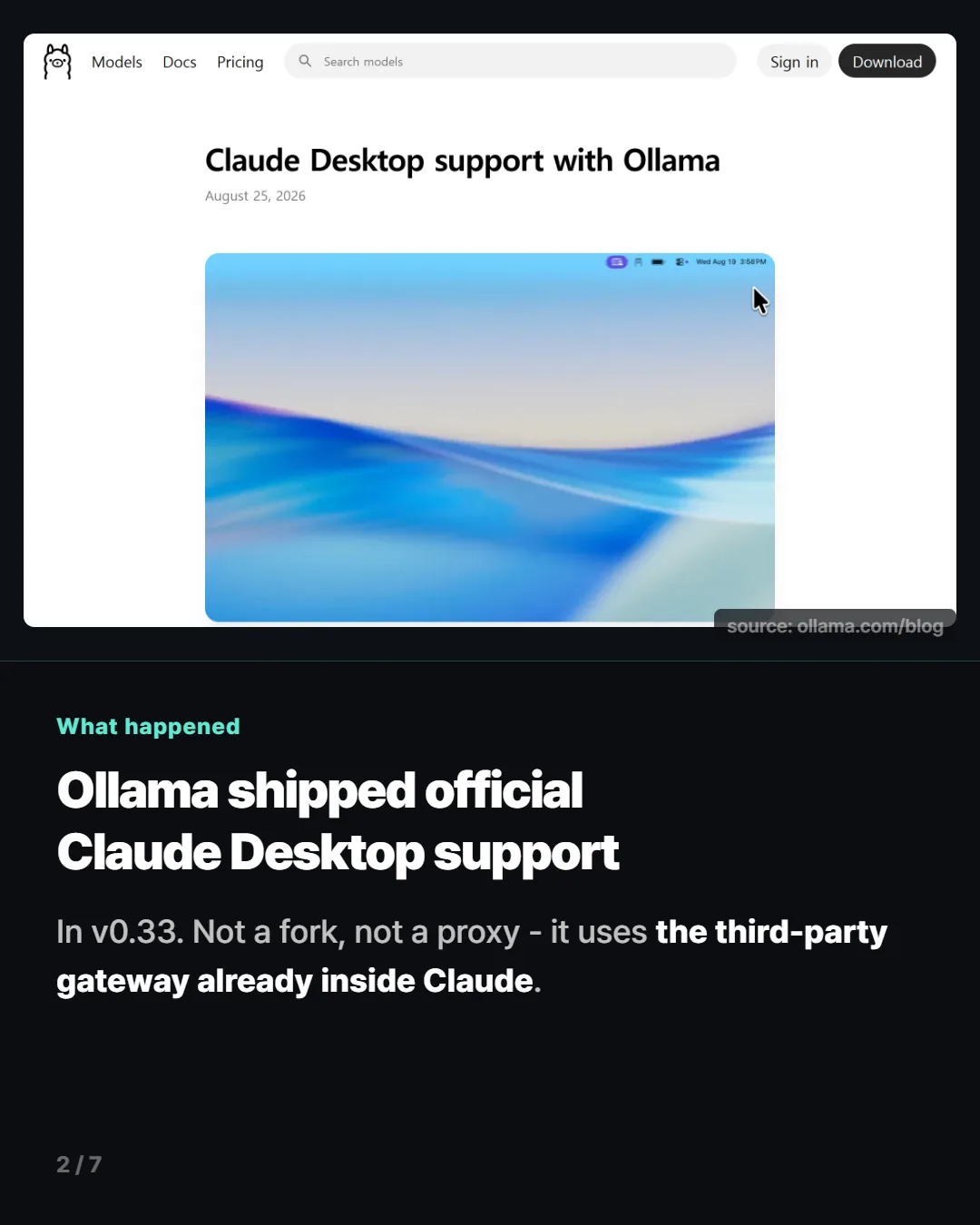
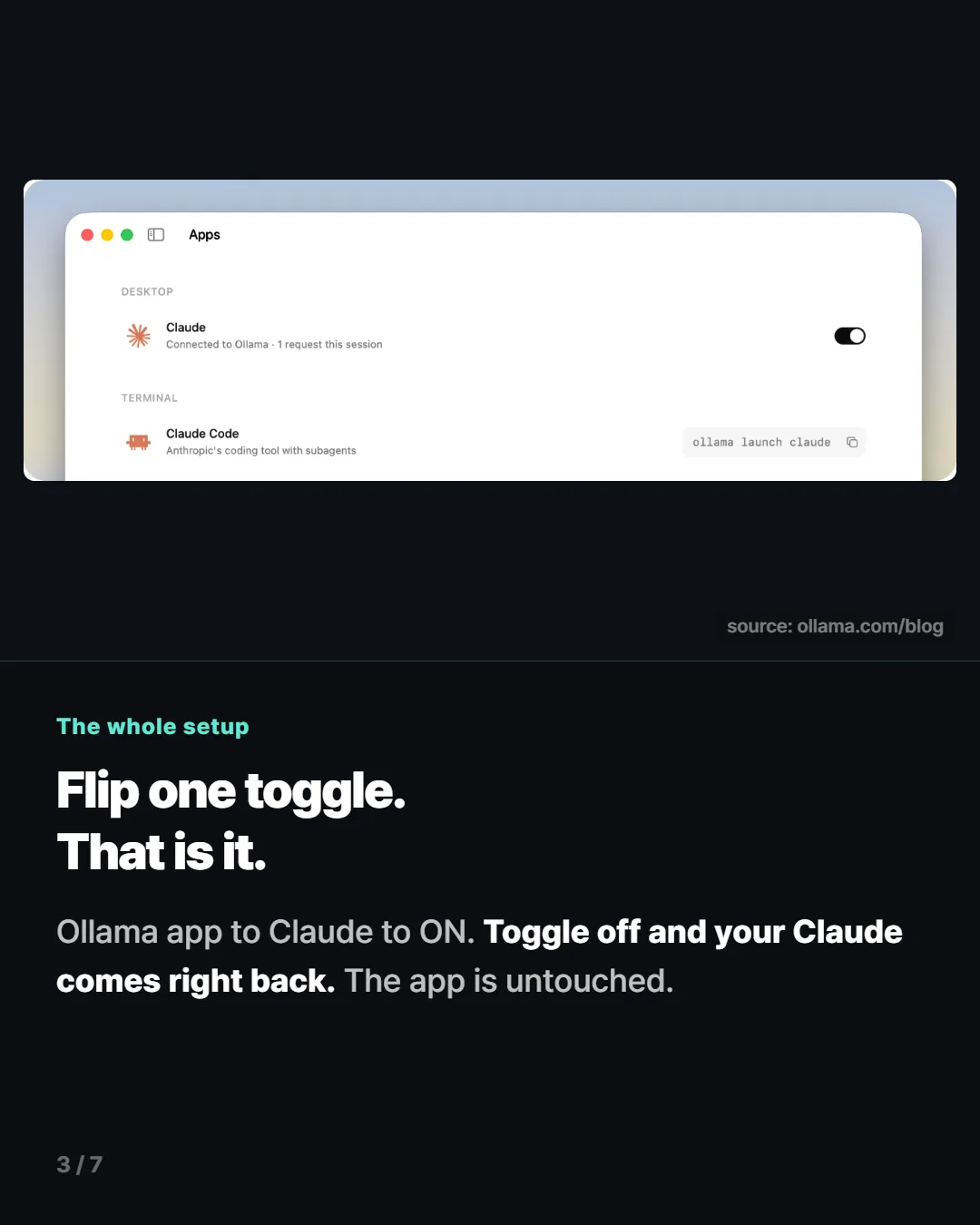
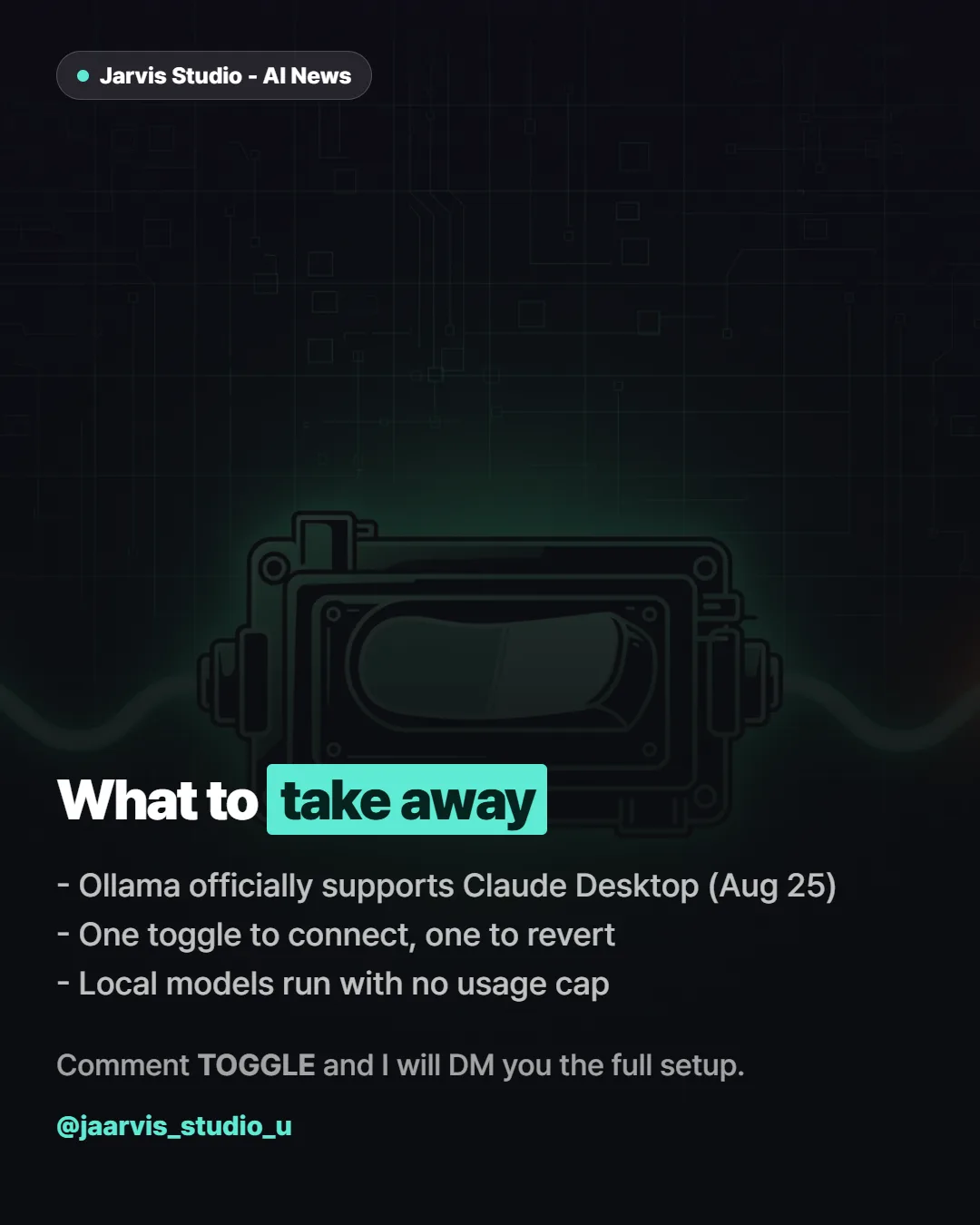
On August 25, 2026, Ollama shipped v0.33 with official Claude Desktop support. Flip one toggle in the Ollama app and Claude Desktop keeps its entire interface — only the model behind it changes. Run a local model and there is no usage cap and no bill. Turn the toggle off and your original Claude setup comes back instantly.
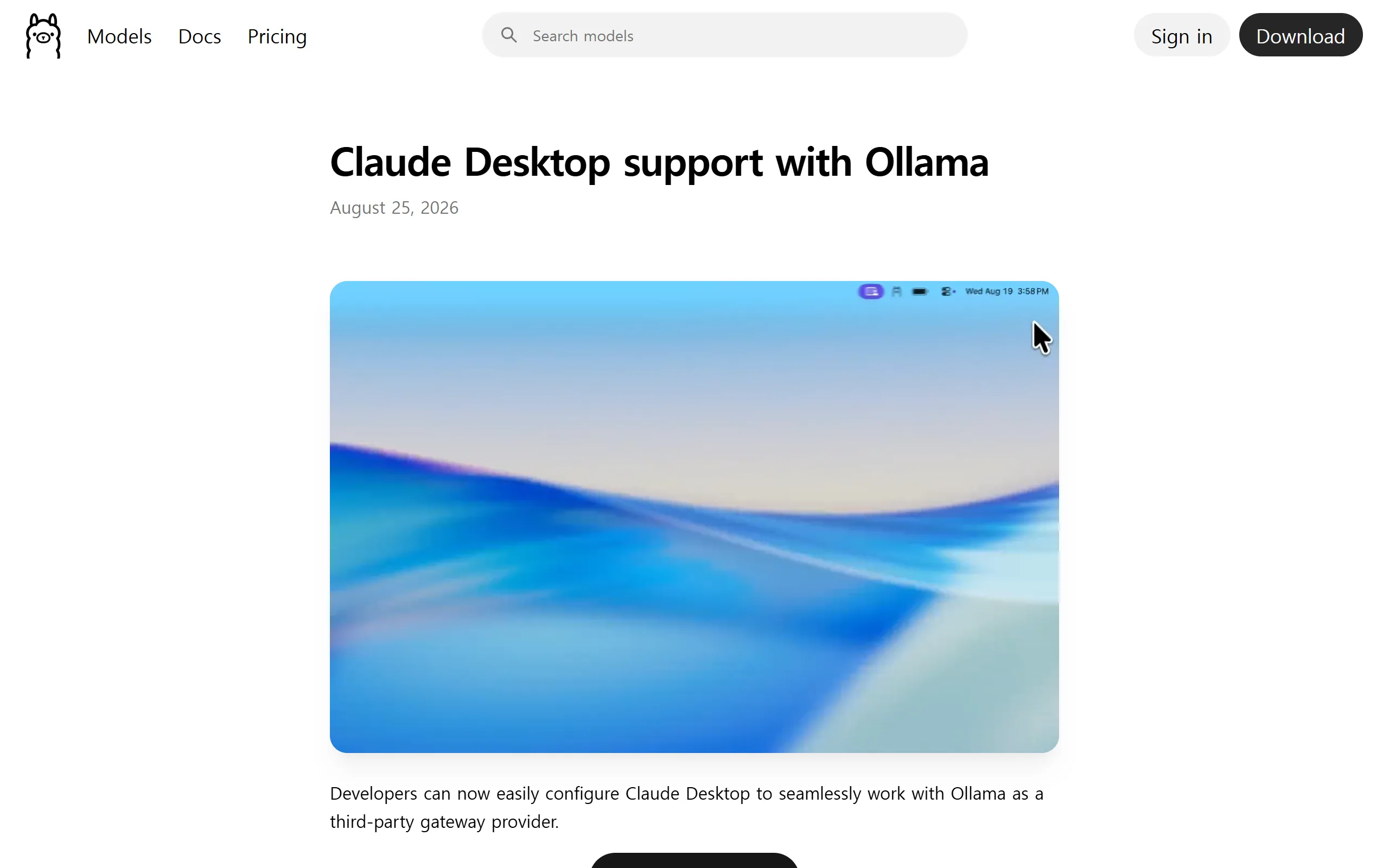
This is not a fork, and it is not a proxy. Ollama plugs into the third-party inference route that already exists inside Claude Desktop — a pathway built to accept model providers beyond Anthropic. Nothing about the app is patched or replaced, which is also why reverting is a single switch.
Setup is three steps
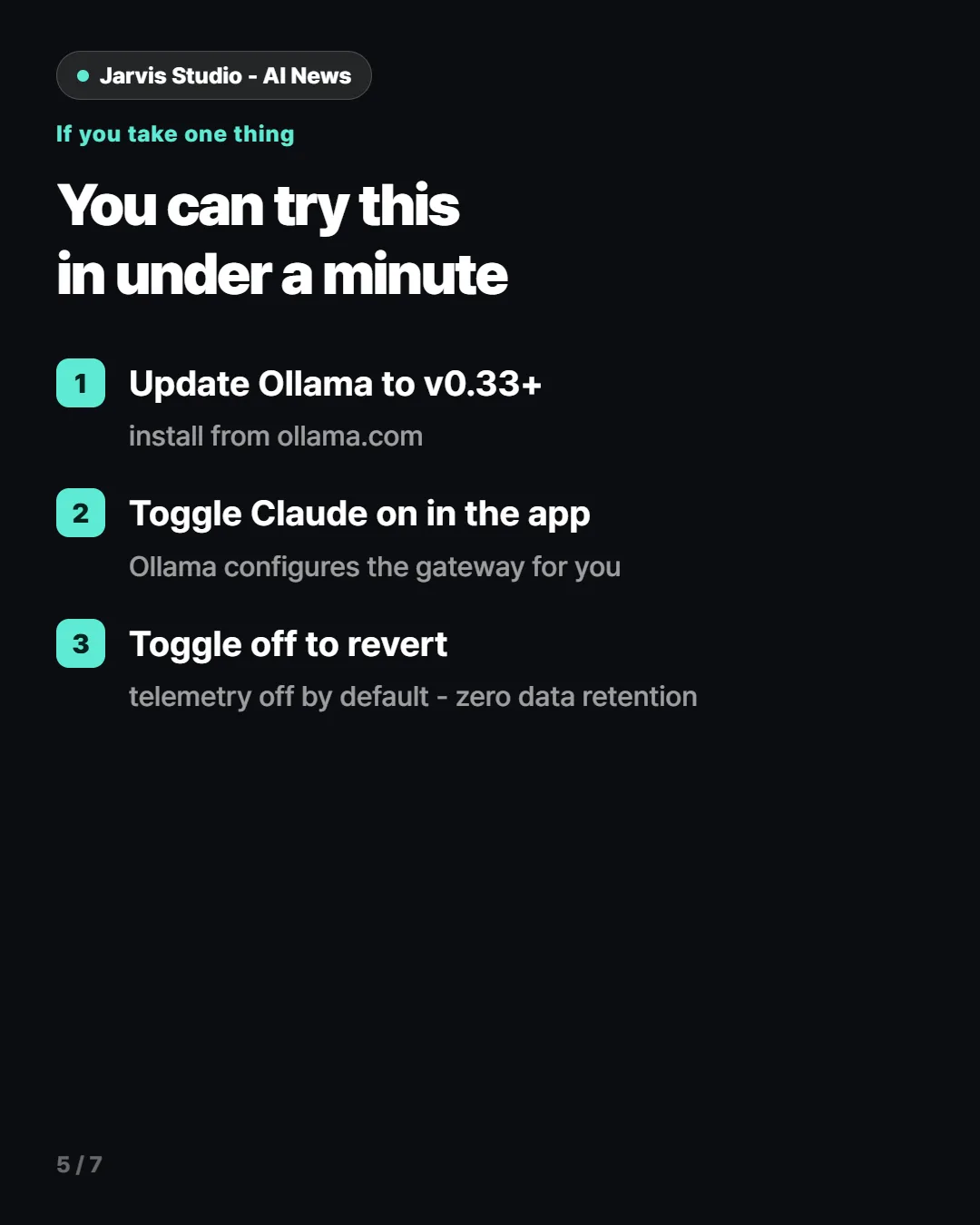
- Open the Ollama app and select Claude
- Turn the toggle on — Ollama configures the gateway for you
- That is it. Open Claude Desktop and it runs on your chosen model
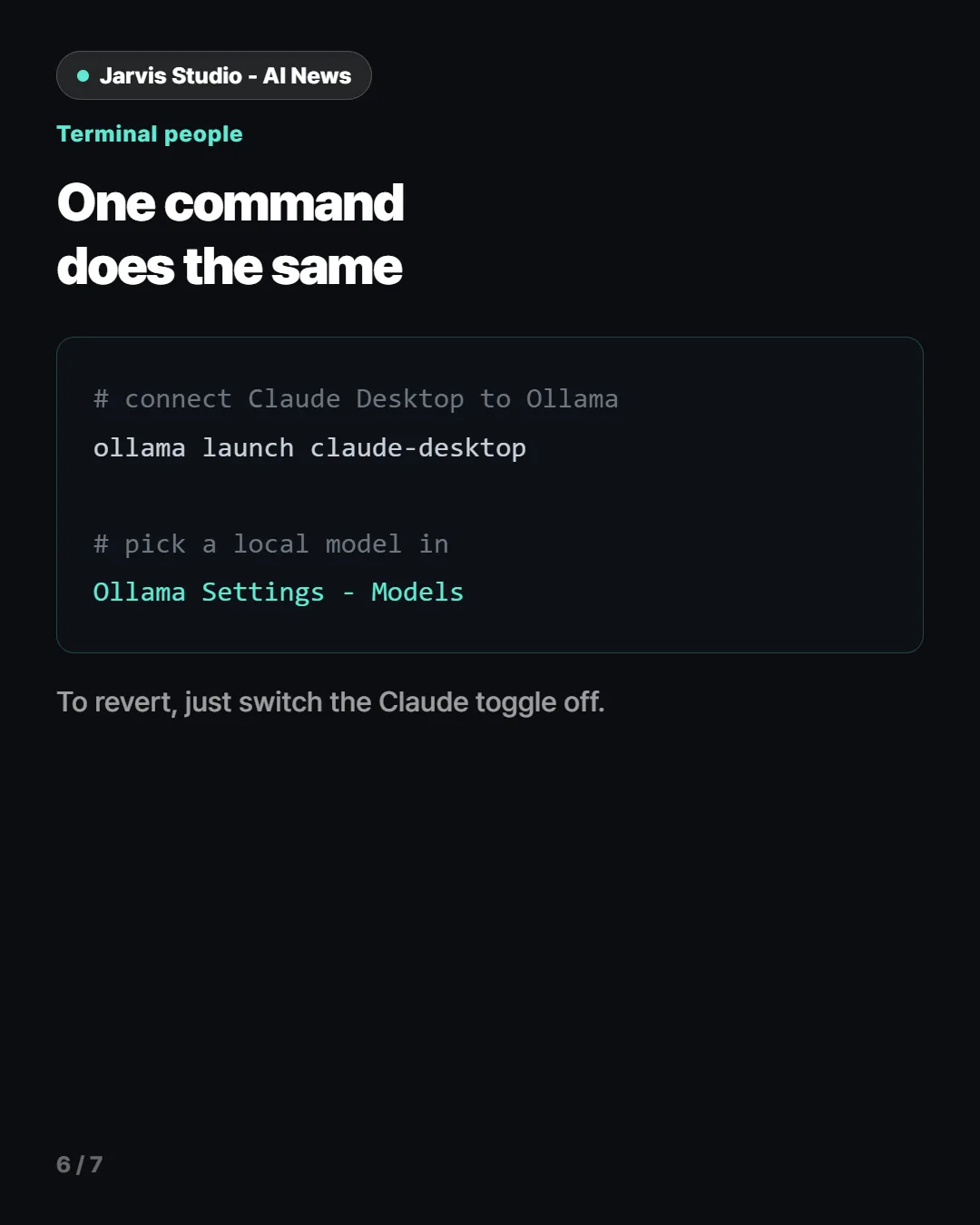
If you live in a terminal, one command does the same thing:
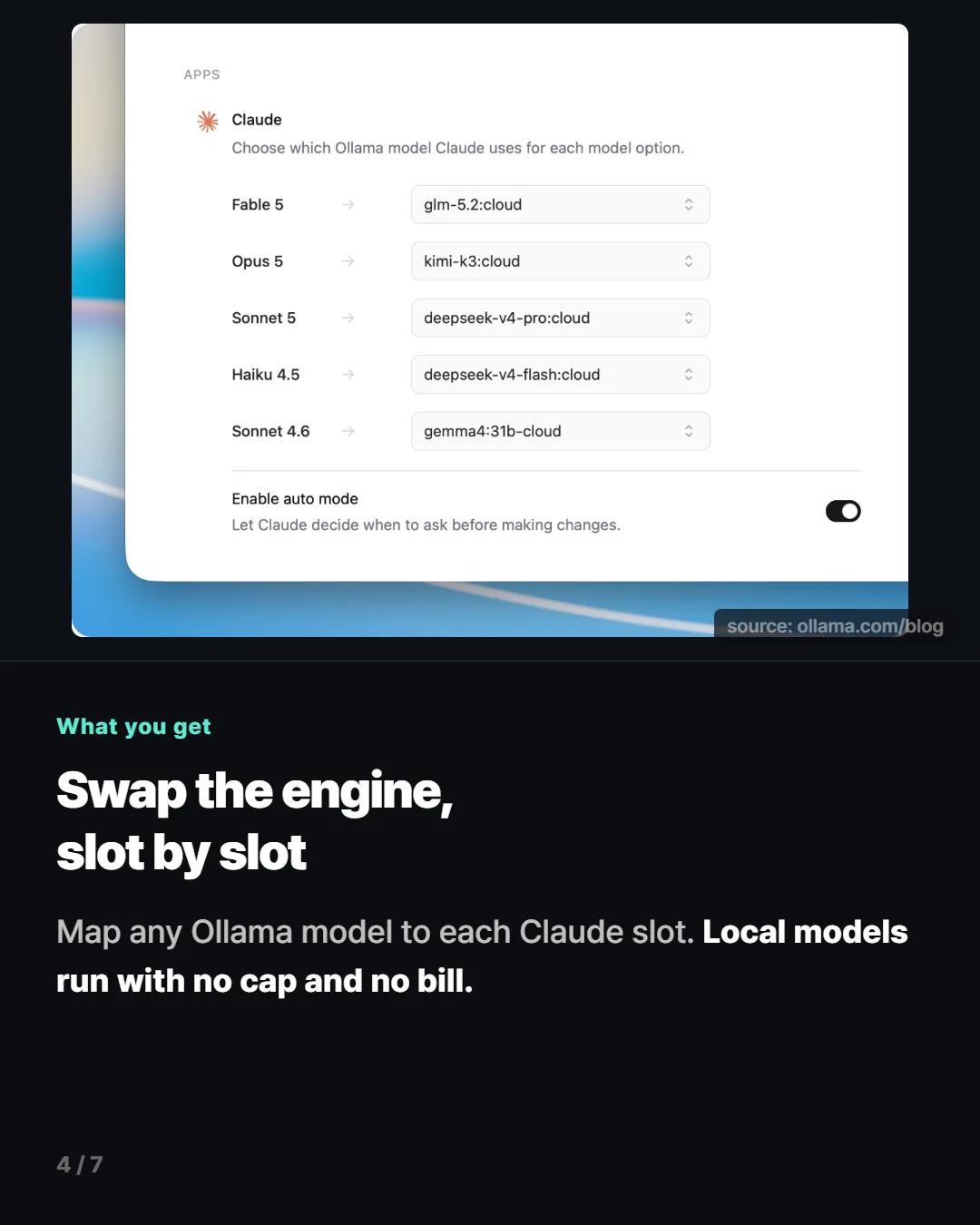
ollama launch claude-desktopWhile connected you can pick any model Ollama has — a local one running on your own machine, or a larger model from Ollama cloud. The official framing is to keep light work local and send heavy coding or research to a cloud model. To go back, switch the Claude toggle off inside Ollama.
What actually changes
Until now, running a free model inside a Claude-grade interface always cost you something. Either you left Claude Desktop behind for a different app and gave up its file access and artifacts, or you wedged an unofficial proxy in the middle and accepted that every update might break it. This route removes that trade — the app stays, only the engine is swapped, and it happens on a supported path.
| Unofficial workarounds | Official gateway | |
|---|---|---|
| Claude app | Fork or proxy required | Untouched |
| Setup | Hand-edited config files | One toggle |
| Reverting | Manual restore | Instant, same toggle |
| Updates | Likely to break | Supported path |
The cost angle matters too. If you have been bumping into usage limits, hitting the cap and continuing on a local model is now a supported option rather than a hack.
Where your data goes — from the official FAQ
- Are prompts sent to Anthropic or Ollama? No. Telemetry is disabled by default, and Ollama states a strict Zero Data Retention policy across both its cloud and local machine use.
- Can I still use Anthropic models? Yes — toggle between them inside Ollama at any time.
- Do my local models work? Yes. Configure a local model in Settings.
One honest note: everything above comes from the official announcement and documentation. We have not yet benchmarked speed or output quality per local model on our own hardware. That test is running, and the numbers will be added to this post when they are real. We do not mix announced with measured.
Quick start
- Update Ollama to v0.33 or later, or install it from ollama.com
- Ollama app → select Claude → toggle on
- Pick a local or cloud model inside Claude Desktop
- To revert: toggle Claude off in Ollama