Register an app once, and the workflow runs itself.
While marketing one of my apps I kept producing the same artifacts one at a time — landing page, store copy, card news, blog posts. Somewhere in there it became obvious that the next app would mean explaining this whole process from scratch again.
So I turned the process itself into a Claude Code skill called ma.
This is not an app
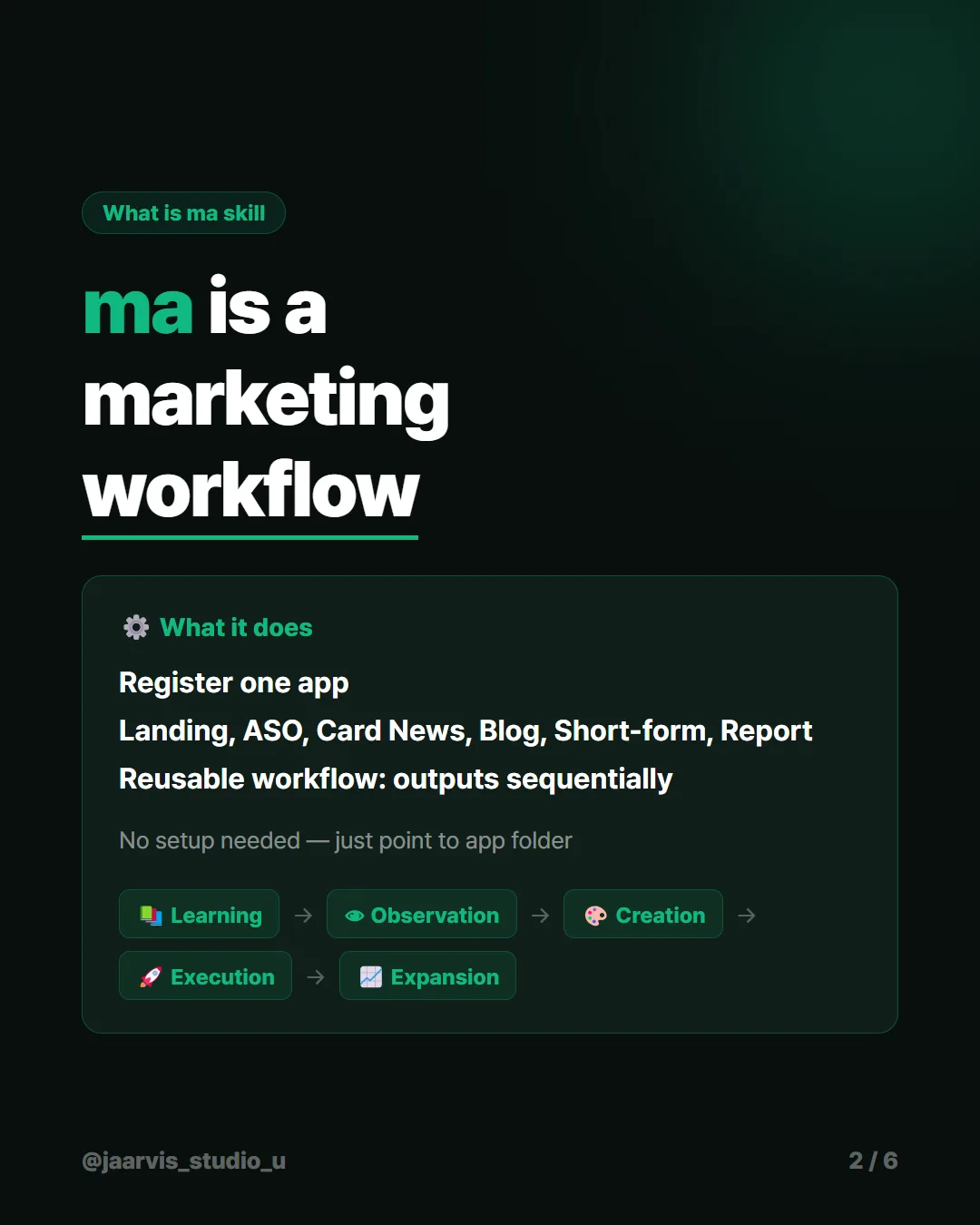
Everything else I write about here is something I built. ma is a way of working. Register one app and it moves through five stages: study, observe, produce, execute, expand.
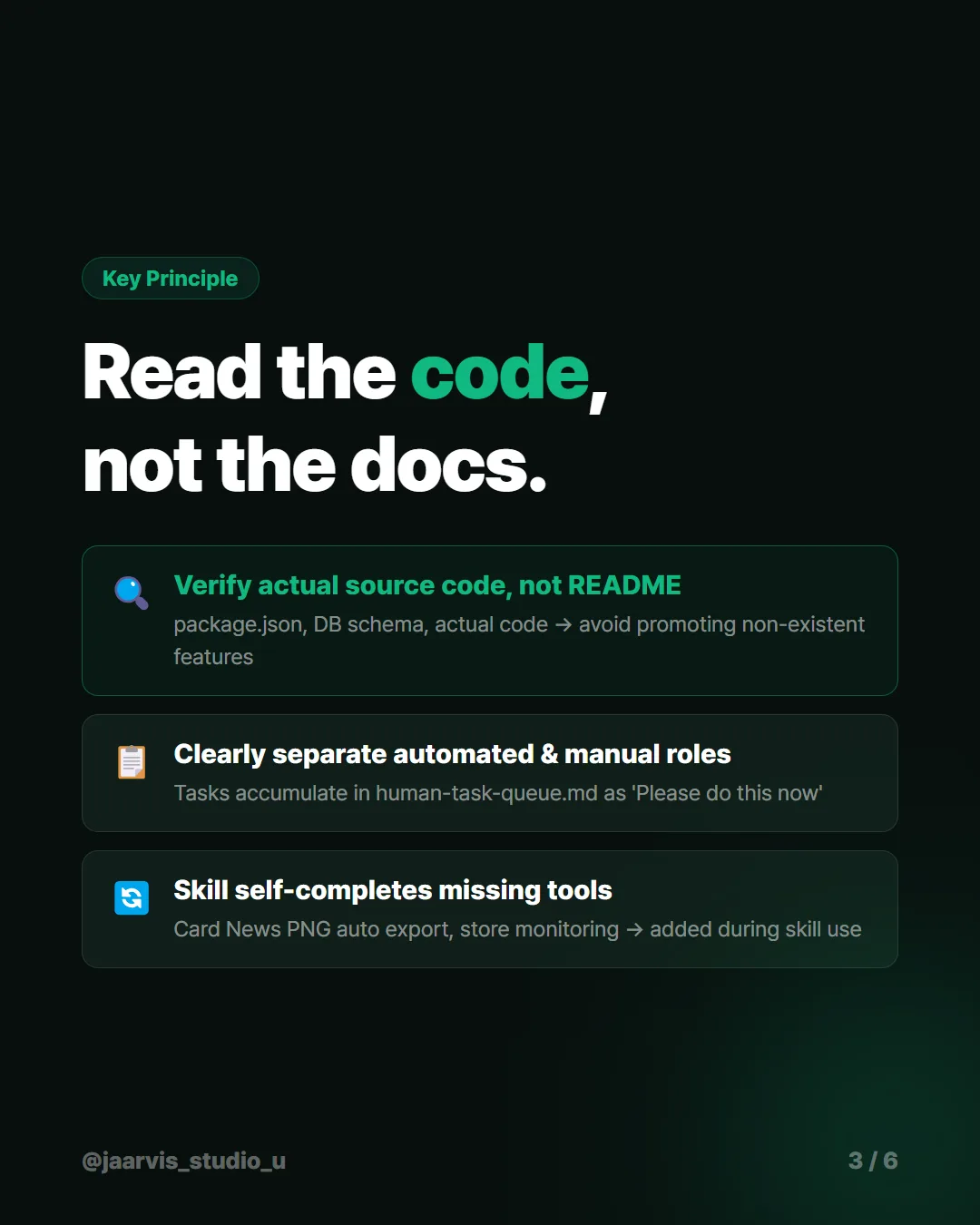
The principle I cared about most: read the code
The most dangerous thing you can do in marketing copy is promote a feature that exists in the description but not in the product. Not because it is dishonest on purpose — because the docs drifted and nobody noticed.
So when ma studies an app it reads package.json, the database schema, and the actual source — not the README, not the planning docs.
That paid off twice on the first app:
- It found a feature the marketing docs never mentioned, sitting right there in the code
- It confirmed that a claim about local-only storage depended on a code flag — worth knowing before writing it on a store page
If you take one thing from this: point the model at the source, not the summary. A README is a claim about the software. The code is the software.
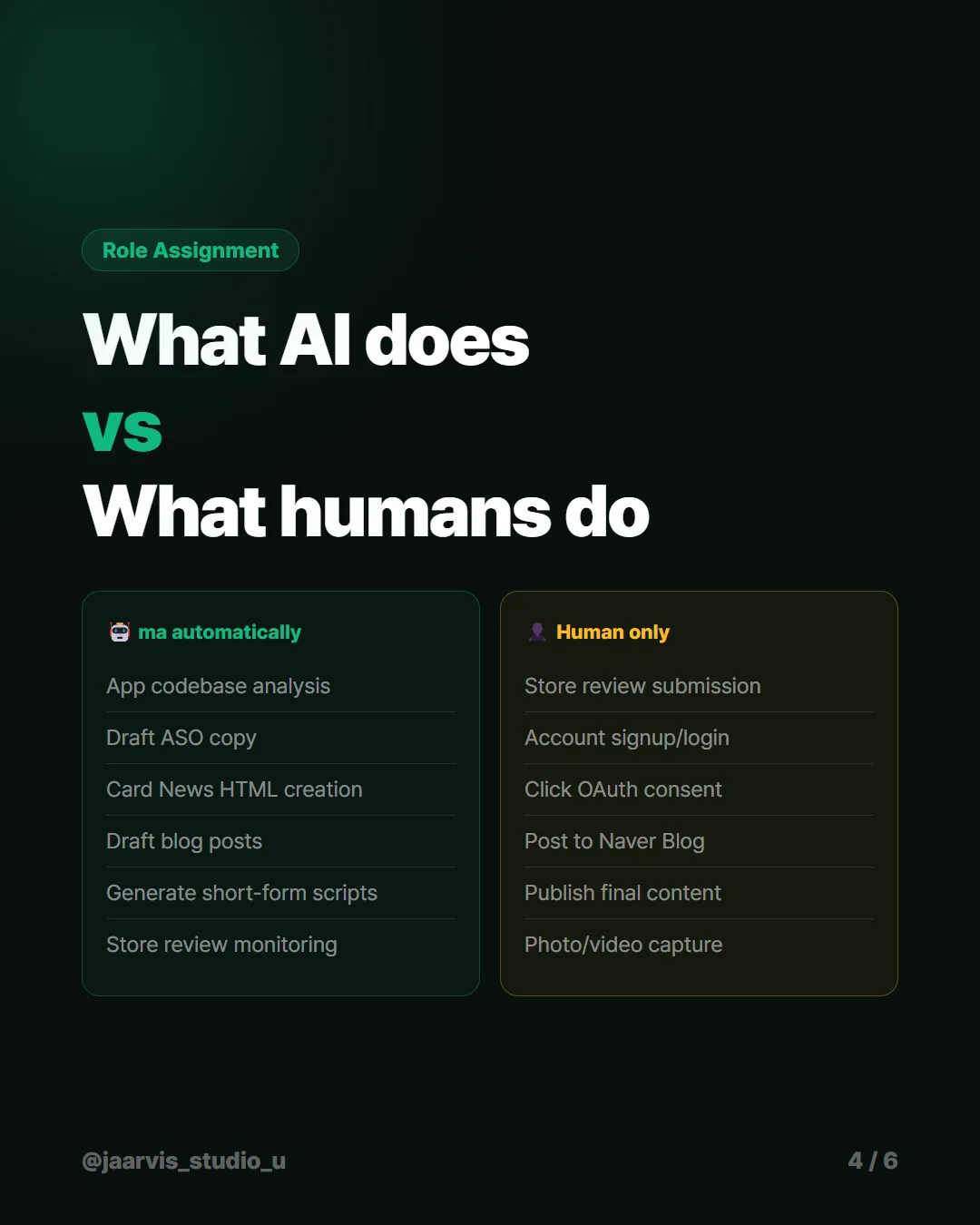
Separating what the AI does from what a human must
Some things only a person can do — store review submission, account signup, clicking an OAuth consent screen. The failure mode is an agent attempting them anyway and producing a confident mess.
So ma never tries. It stacks them into a per-app human-task-queue.md as explicit "please do this now" items.
| The skill does | A human does |
|---|---|
| Analyze the codebase | Submit for store review |
| Draft store copy | Create accounts, sign in |
| Build card news HTML | Click OAuth consent |
| Draft blog posts | Post to platforms with no API |
| Generate short-form scripts | Publish the final content |
| Monitor store reviews | Capture photos and video |
The value is not that the split is clever. It is that the decision is made once instead of every time.
Using the skill exposed the skill
Running it revealed its own gaps, which is a thing that only happens once a workflow is written down.
- Card news images had to be screenshotted by hand every time → built a PNG auto-export tool
- Store ratings could not be read at all → built an automated lookup
Neither tool was planned. Both became obvious the moment the surrounding process stopped being improvised.
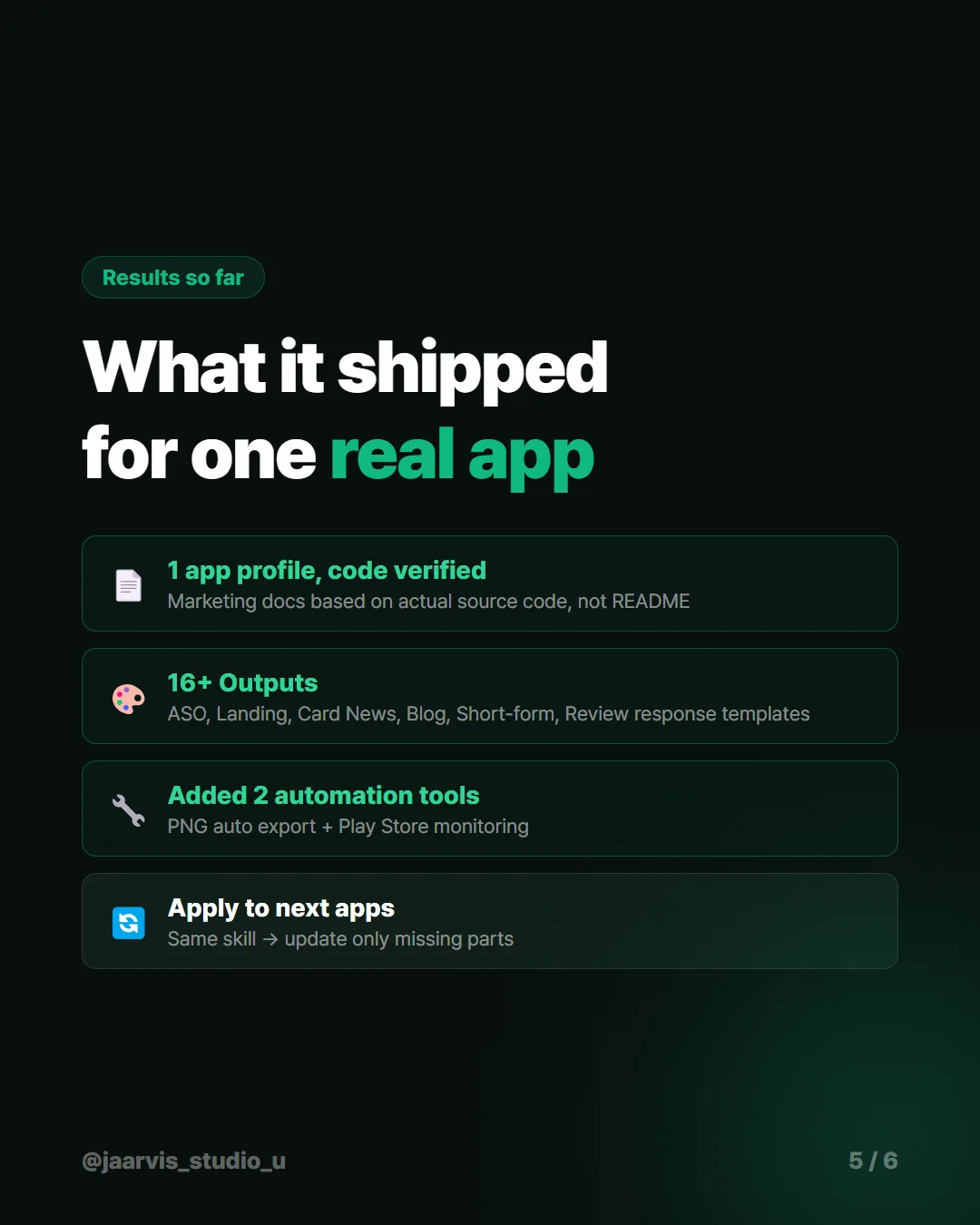
What it produced on the first app
- One app profile, verified against real source code
- 16+ artifacts — store copy, landing page, card news, blog posts, short-form scripts, review reply templates
- 2 automation tools that were not in the original plan
The reusable part
The next app runs the same skill and only updates what is missing. That is the whole return: the second app costs a fraction of the first.
And the rule that makes the output trustworthy is the boring one — read the code, not the docs.
The short version
AI coding workflows, tested on real work — not demos. New posts weekly.